

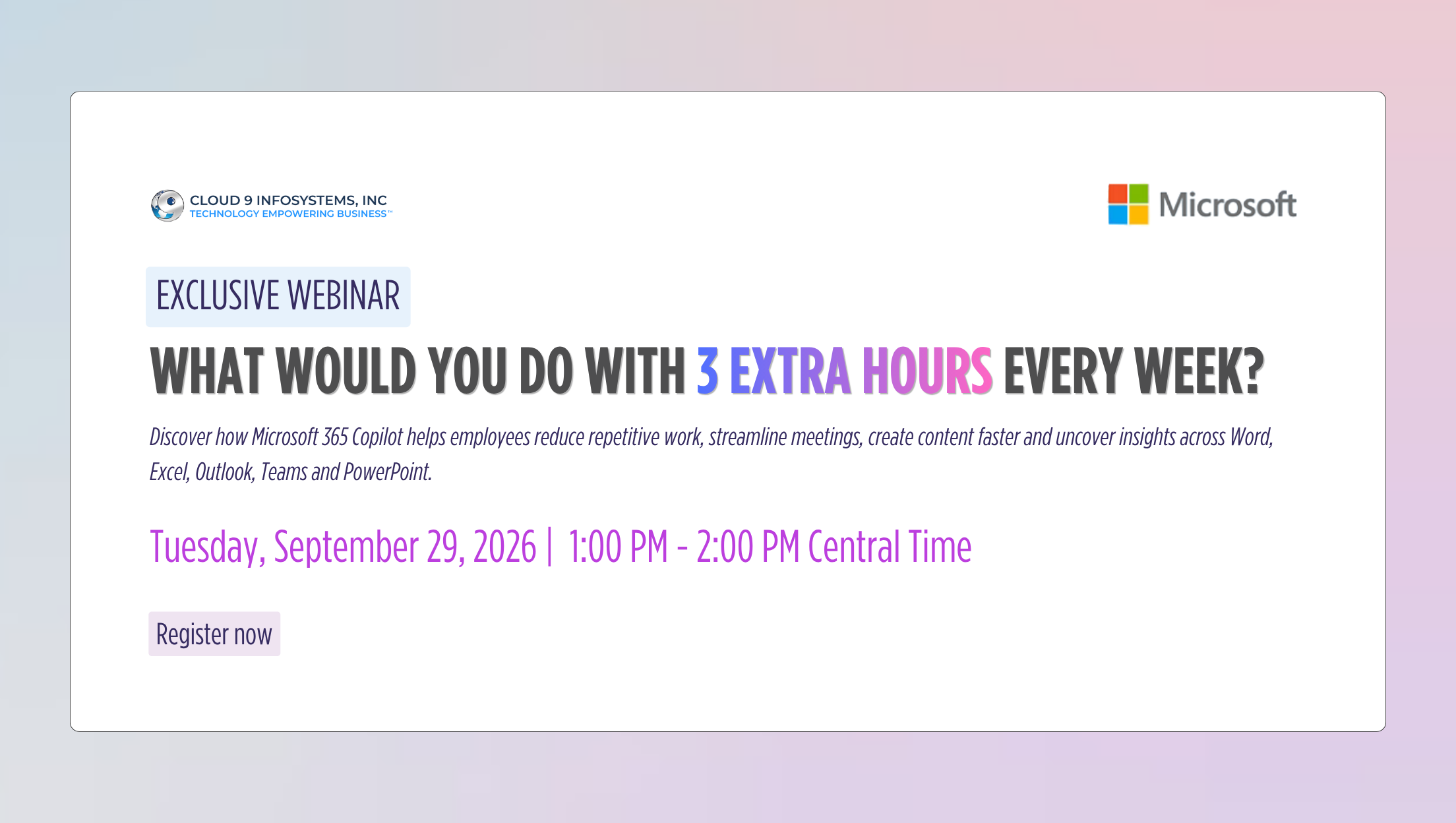
What Would You Do with 3 Extra Hours Every Week? Microsoft 365 Copilot Can Help
Tuesday, September 29, 2026 from 1:00-2:00 PM CT
Discover how Microsoft 365 Copilot helps employees reduce repetitive work, streamline meetings, create content faster, and uncover insights across Word, Excel, Outlook, Teams, and PowerPoint.
1. How little time must Copilot save to justify its cost?
- A simple way to calculate the break-even point
- Comparing the cost of Copilot with the value of employee time
- Why small daily savings can create meaningful organizational value
- Moving beyond time saved to consider quality, speed, and employee experience
2. Finding time savings across the Microsoft 365 Workday
A practical look at how Copilot can support common workplace activities:
- Outlook: Summarize email threads and draft responses
- Teams: Prepare for meetings, recap discussions, and identify action items
- Word: Create, summarize, and refine business documents
- Excel: Analyze information and uncover useful insights
- PowerPoint: Develop and improve presentations
3. Different roles, different Copilot value
Explore how Copilot’s value changes by role and working pattern:
- Executives: Meeting preparation, briefings and decision support
- Sales teams: Account preparation, proposals and customer follow-ups
- Marketing teams: Campaign planning, content development and reporting
- HR teams: Employee communications, policies and job-related content
- Finance and operations: Analysis, reporting and process documentation
4. How Microsoft 365 Copilot helps secure organizational data
- How Copilot works within Microsoft 365 identity and access controls
- How existing permissions affect the information employees can access
- Enterprise data protection, privacy, compliance, and governance considerations
- Why data readiness and responsible information management matter
- The importance of reviewing overshared or outdated content before scaling
5. From pilot to scalable adoption of Microsoft 365 Copilot
- Selecting roles and use cases for the initial pilot
- Establishing a baseline before measuring value
- Defining success metrics, including adoption, time saved, quality, and business outcomes
- Supporting users through training, champions, and practical use-case guidance
- Using pilot findings to guide licensing and wider deployment decisions
6. Your next step: Building the business case
- Identify the activities consuming the most employee time
- Select role-specific use cases with measurable outcomes
- Prepare data, security, and governance foundations
- Launch a focused pilot
- Measure results and scale what works
7. Live Q&A
An opportunity for attendees to discuss:
- Copilot licensing and ROI
- Security and data readiness
- Role-specific use cases
- Pilot planning