
The Transformation Paradox: Your Employees Are Ready for AI. Is Your Organization?
Microsoft AI cost management has quietly become one of the most important skills in IT. For years, AI pricing was simple: one seat, one monthly fee. That era is ending.
As Microsoft moves agentic AI to usage-based billing, your AI spend now behaves more like cloud compute than a software license. Most IT budgets are not built for that. The result is a real risk of bill shock, and a real opportunity for the teams that get ahead of it.
This guide gives you a practical playbook to take control before the meter starts running.
WHAT YOU WILL LEARN
- Why Microsoft AI costs are becoming variable and harder to predict
- A simple 4-step playbook to forecast, cap, monitor, and optimize spend
- The exact Microsoft tool to use at each step
- How to get started without overhauling everything at once
THE SHORT VERSION
- Microsoft AI is shifting from fixed per-user licensing to usage-based billing measured in Copilot Credits, starting with agentic experiences like Copilot Cowork.
- Usage-based cost is variable by design. Budgeting by seat alone no longer works.
- Microsoft gives you the controls: an estimator to forecast, a Cost Management dashboard to set budgets and hard caps, and detailed usage reporting.
- The winning approach is a repeatable loop: estimate, cap, monitor, optimize.
What Is Microsoft AI Cost Management (and Why It Matters Now)?
Microsoft AI cost management is the practice of forecasting, governing, and optimizing what your organization spends on AI, the same way mature teams manage cloud spend.
It matters now because the pricing model is changing. Everyday Copilot still uses a predictable per-user subscription. But autonomous, long-running agents are moving to usage-based billing, where cost aligns to the work performed.
When you only see the bill at month-end, surprises are expensive. A clear cost-management routine is what turns that surprise into a decision you control.
Why Are Microsoft AI Costs Harder to Predict in 2026?
The root cause is a deliberate shift in how AI is licensed.
The User Subscription License, a predictable per-user-per-month fee, remains the foundation for everyday Copilot. For agents, though, Microsoft has introduced usage-based licensing. Microsoft’s newly available Copilot Cowork, for example, requires a Microsoft 365 Copilot license and is then billed by usage.
That usage is measured in Copilot Credits. This is where seat-based budgeting breaks down, because the work behind a single request varies enormously.
Microsoft’s own documentation gives a useful illustration. An agent grounded in your tenant’s data might use around a dozen credits for one complex prompt, with most of that going to grounding the request in your data and only a little to generating the answer.
One user prompt does not equal one tidy unit of cost. That is the whole reason seat-based budgeting fails.
This is not a reason to avoid agents. It is a reason to manage them like any other variable cloud cost. If you are also reviewing your broader licensing, see our guide to optimizing your Microsoft 365, Dynamics, and Azure investments.
A 4-Step Microsoft AI Cost Management Playbook
Effective Microsoft AI cost management comes down to a simple loop you run continuously, not once. Each step maps to a specific Microsoft tool.
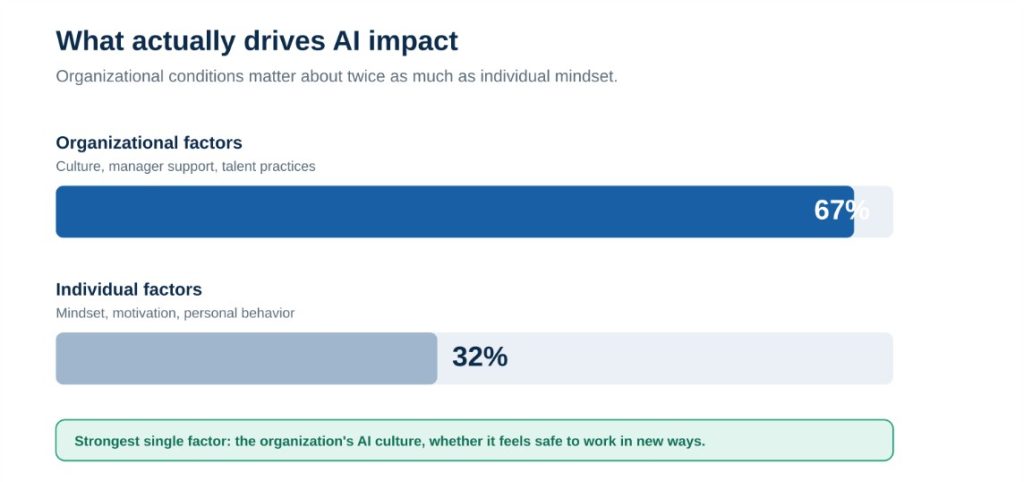
The cost-control loop: estimate before you buy, cap before you roll out, monitor continuously, and optimize as you learn.
Step 1: Estimate before you commit. Use Microsoft’s Agent usage estimator in Copilot Studio. It forecasts monthly Copilot Credit consumption, compares costs across agent configurations, and tests low, medium, and high volume scenarios before you buy. It even generates PDF reports for procurement. Microsoft notes these are forward-looking estimates, so treat them as a planning baseline.
Step 2: Set budgets, policies, and hard caps. Configure the guardrails before anyone starts consuming. Microsoft’s Cost Management dashboard in the Microsoft 365 admin center lets you allocate credits, apply access limits, and set budgets, alerts, and hard caps. For pay-as-you-go services, you can attach a budget to a billing policy with email alerts at set thresholds.
Step 3: Monitor consumption continuously. Visibility turns a surprise into a decision. The dashboard shows a real-time snapshot of credit consumption and remaining capacity. You can also drill into usage by user, group, service, or agent to answer the two questions leaders always ask: where are we spending, and are we on track?
Step 4: Optimize as you learn. With real data, you can tune. Match the right model to each task instead of defaulting to the most expensive one. Ground agents in clean, well-structured data so they spend less effort interpreting it. Teach users and builders how their design choices affect consumption.
Want help setting this up in your tenant?
Cloud 9 Infosystems can baseline your expected usage, configure the right budgets and caps, and hand your team a cost-control routine that runs itself.
Three Levers Microsoft Recommends for Managing AI Costs
Microsoft’s own guidance reinforces the loop above. In its Achieving success with AI post, the company frames cost control around three levers.
Model diversity. Different models carry different economics. Matching the right model to each task optimizes both performance and cost, so you do not over-pay for capability you do not need.
Your own IQ. Agents waste compute reconstructing context from raw data. Grounding them in a clean understanding of how your organization works makes execution faster and cheaper.
Financial operations (FinOps). The discipline that became essential in the cloud era now applies to AI. Treat AI spend as a capability you manage, not an afterthought you find on an invoice.
How Does Governance Help Control AI Costs?
Here is the point IT leaders should not miss. The platform you use to keep agents secure is increasingly the same one you use to keep them affordable.
Microsoft positions Agent 365 as the control plane to observe, govern, manage, and secure agents. It has been extended to include cost management, so you can monitor agent spend alongside security and compliance in one place.
That convergence is good news. You do not need a separate tool or team to watch the money. We cover the governance side in AI Agents Are Here: But Are They Working for You or Against You? and our work on agentic AI for enterprises.
How to Start with Microsoft AI Cost Management
You do not need to boil the ocean. A pragmatic first pass looks like this:
- Baseline before you scale. Use the Agent usage estimator to model expected consumption for your first agent use case.
- Cap before you roll out. Set budgets, access policies, and hard caps so the consumption layer cannot surprise you in month one.
- Assign an owner to every policy. Cost stays controlled only when someone is accountable for each billing policy.
- Review and optimize monthly. Treat the estimate, cap, monitor, optimize loop as a recurring routine.
This is exactly the kind of work an experienced Microsoft partner can stand up quickly. Cloud 9 Infosystems has spent 16-plus years helping US enterprises deploy and govern the Microsoft platform across healthcare, financial services, and enterprise IT, from licensing strategy to agentic AI deployment.
The Bottom Line for IT Leaders
The move to usage-based AI is not something to fear. It is something to manage.
Treat AI spend like a cloud cost, with estimates, budgets, caps, monitoring, and continuous optimization, and you will scale agents with confidence. Treat it like a flat subscription, and you will meet your first big invoice the hard way.
Microsoft has given you the controls. Strong Microsoft AI cost management is simply the discipline to use them well.
Microsoft Resources Referenced in This Article
- Achieving success with AI (Microsoft, on managing AI cost at scale)
- Cost Management for Copilot Credits, overview (Microsoft Learn)
- Managing AI experiences enabled by usage-based billing (Microsoft Learn)
- Microsoft 365 Copilot pay-as-you-go overview (Microsoft Learn)
- Agent usage estimator (Microsoft Learn)
Frequently Asked Questions
What is Microsoft AI cost management?
Microsoft AI cost management is the practice of forecasting, governing, and optimizing what an organization spends on Microsoft AI. As Copilot and agents move to usage-based billing, it means estimating consumption before you buy, setting budgets and caps, monitoring usage, and optimizing continuously, using tools like the Cost Management dashboard and the Agent usage estimator.
Why is Microsoft moving AI to usage-based pricing?
As AI shifts from simple assistants to autonomous agents that perform multi-step work, Microsoft has aligned cost to the work performed rather than a flat per-user fee. Everyday Copilot stays on a predictable subscription, while agentic experiences like Copilot Cowork are billed by usage in Copilot Credits.
What are Copilot Credits?
Copilot Credits are the unit Microsoft uses to measure usage-based AI consumption. The credits a request uses depend on the work involved, so a complex, data-grounded prompt can consume far more than a simple one. This is why budgeting by seat count alone is no longer reliable.
How can we control Microsoft AI spending?
Use Microsoft’s Cost Management dashboard in the Microsoft 365 admin center to allocate credits, set access limits, and apply budgets, alerts, and hard caps. Pair it with the Agent usage estimator to forecast spend before you buy. Together they give you end-to-end Microsoft AI cost management.
What is the Agent usage estimator?
It is a Microsoft tool in Copilot Studio that forecasts monthly Copilot Credit consumption, compares agent configurations, and tests volume scenarios before purchase. It produces planning estimates, not guarantees, so always monitor actual usage in the admin center.
Does governing agents help control costs too?
Yes. Microsoft positions Agent 365 as a single control plane to observe, govern, manage, and secure agents, and it now includes cost management. So the same platform that keeps agents safe also helps keep them affordable.
Worried Your AI Bill Is About to Become Unpredictable?
You do not have to navigate the shift to usage-based AI alone. Cloud 9 Infosystems will help you baseline expected consumption, configure the right budgets and guardrails, and build a Microsoft AI cost management routine so you can scale with confidence, not surprises.
Recent Posts
Latest Blogs

The Transformation Paradox: Your Employees Are Ready for AI. Is Your Organization?
Microsoft’s 2026 Work Trend Index reveals a growing AI readiness gap between employees and organizations. Learn why culture, leadership, governance, and agent management are now critical to unlocking enterprise AI value and building AI-ready organizations.
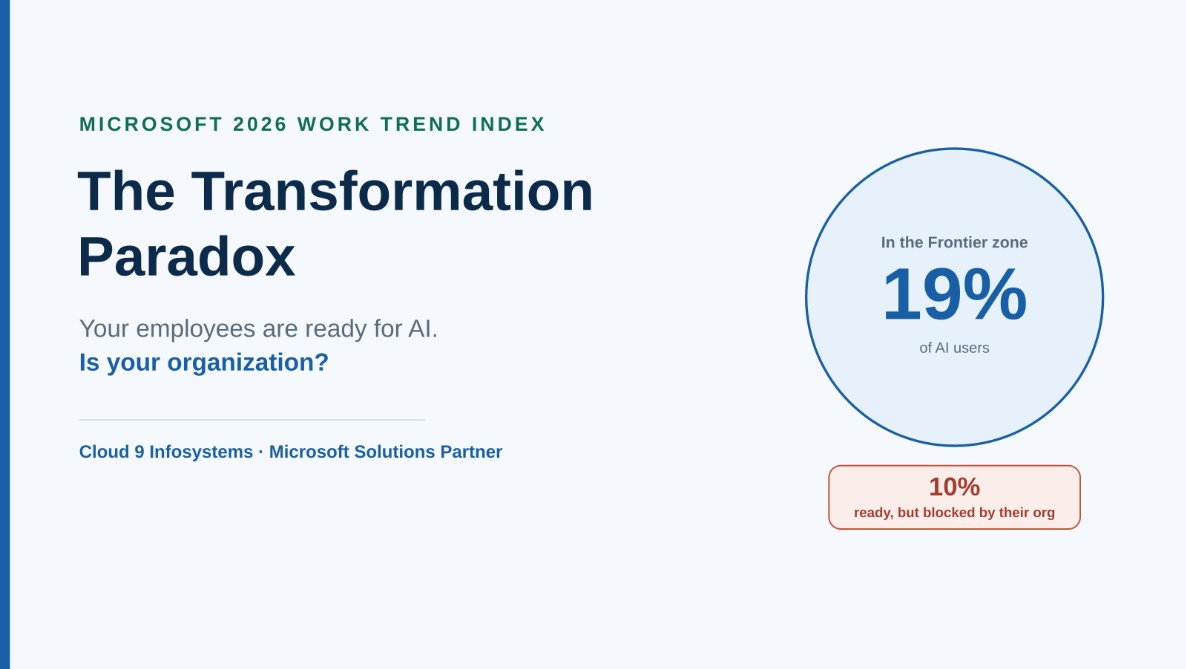
The Transformation Paradox: Your Employees Are Ready for AI. Is Your Organization?
Microsoft’s 2026 Work Trend Index reveals a growing AI readiness gap between employees and organizations. Learn why culture, leadership, governance, and agent management are now critical to unlocking enterprise AI value and building AI-ready organizations.
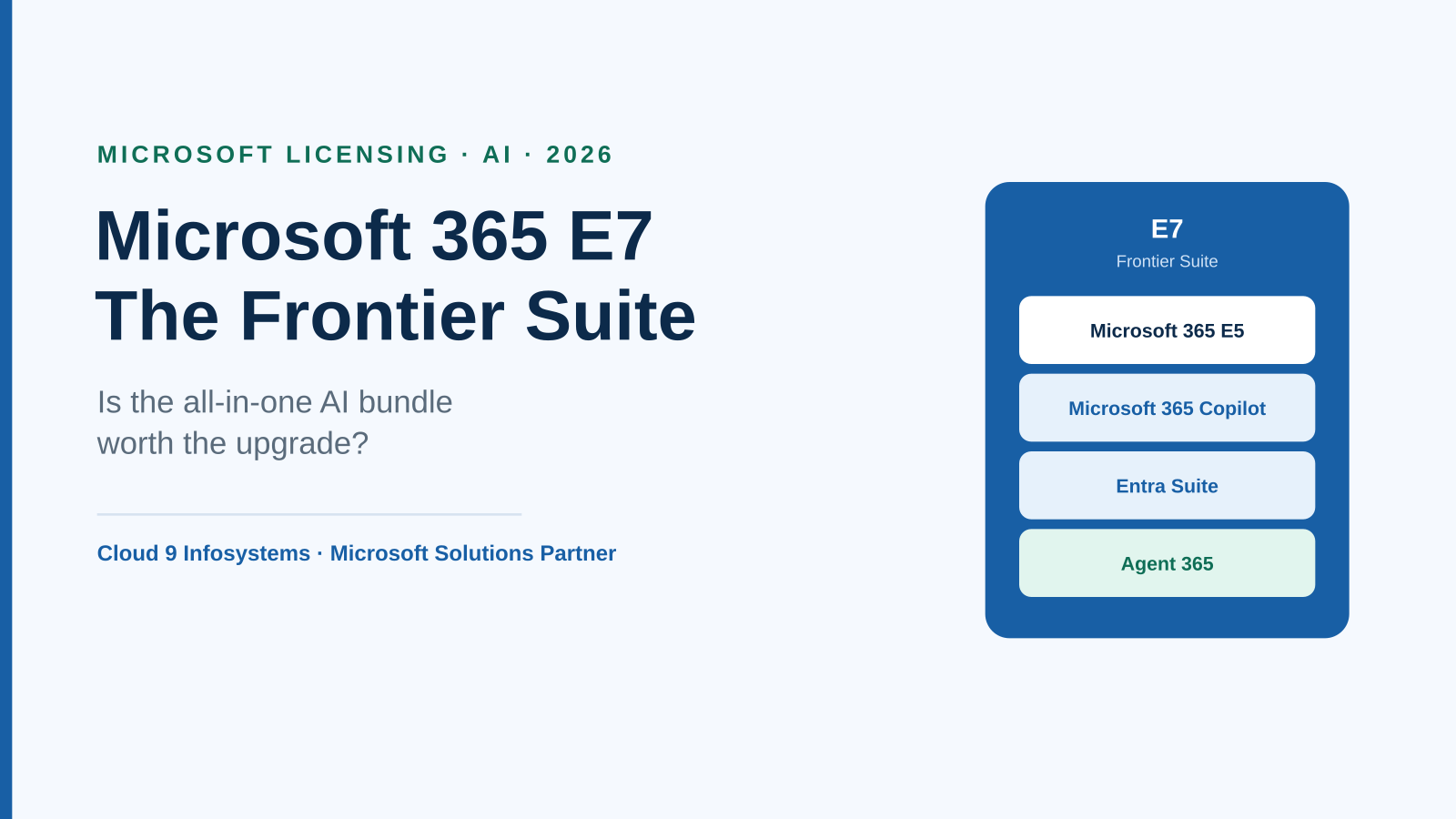
Microsoft 365 E7 “Frontier Suite” Explained: Is the All-in-One AI Bundle Worth It?
Learn what Microsoft 365 E7 Frontier Suite offers, including Copilot, Agent 365, Work IQ, and Entra Suite. Discover how E7 compares to E5, the benefits of AI governance, and how to choose the right Microsoft licensing strategy for your business.